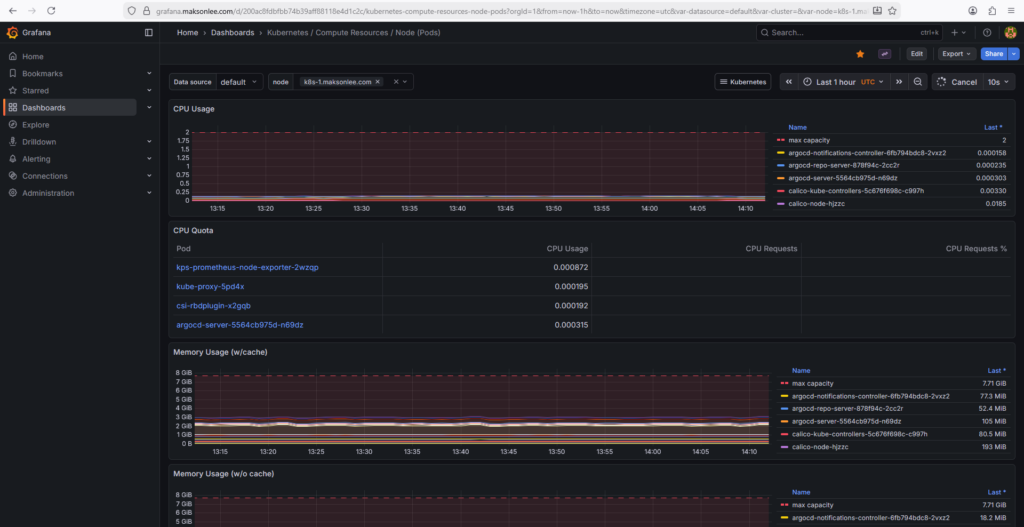
This post shows how to deploy kube-prometheus-stack (Prometheus Operator + Prometheus + Alertmanager + Grafana + exporters) on a 3-node bare-metal kubeadm cluster that already has:
- Traefik Ingress exposed by MetalLB
- Wildcard HTTPS enabled for
*.maksonlee.com(Traefik default TLSStore)
After this guide, you will have:
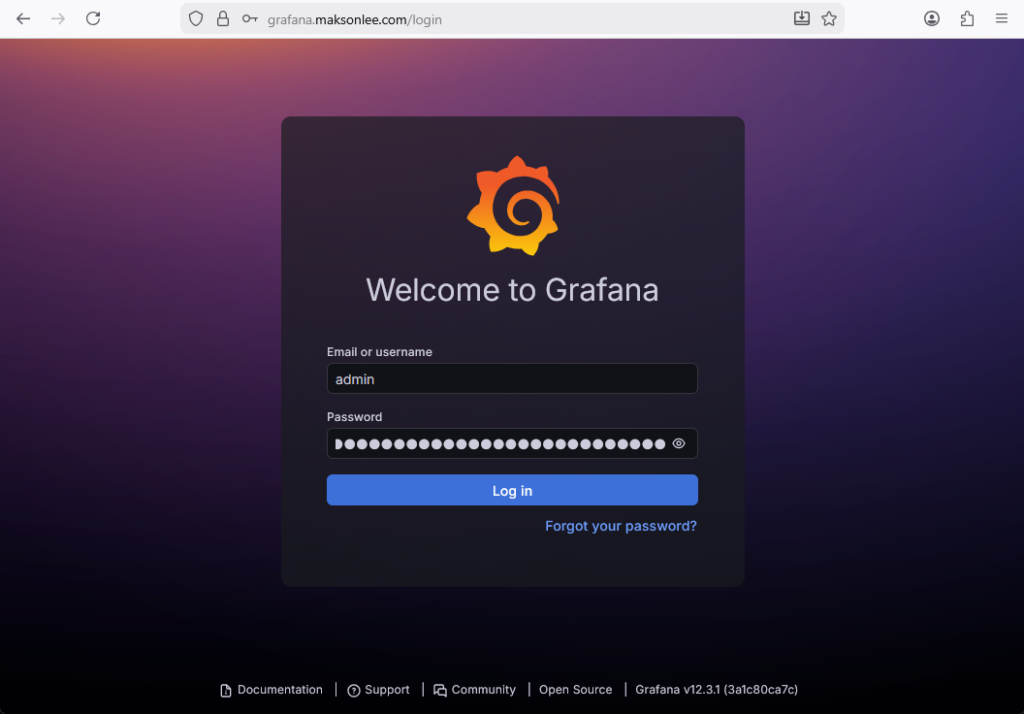
- Grafana:
https://grafana.maksonlee.com - Prometheus:
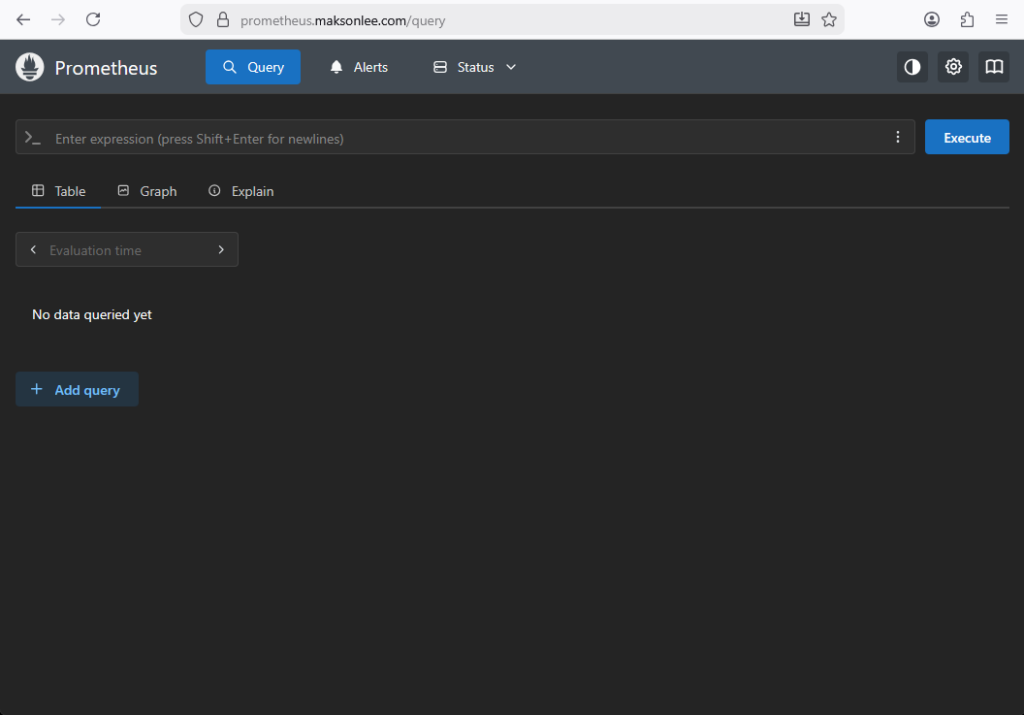
https://prometheus.maksonlee.com - Alertmanager:
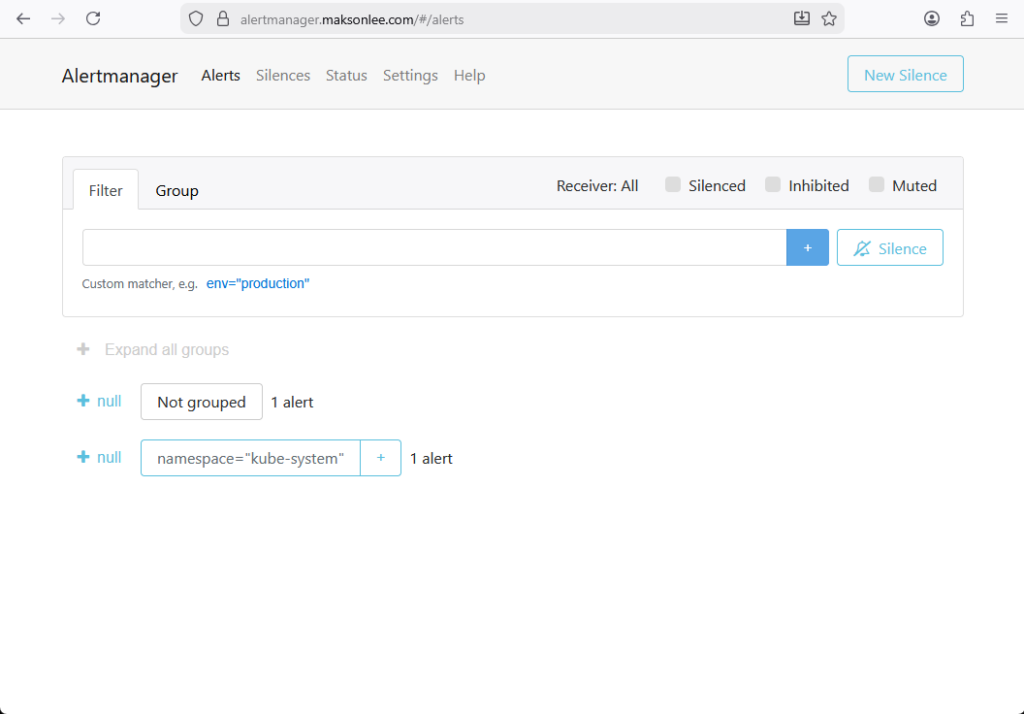
https://alertmanager.maksonlee.com
This post is based on the following posts
Lab context
- Kubernetes: kubeadm (v1.34)
- Ingress controller: Traefik (exposed via MetalLB)
- MetalLB LoadBalancer IP:
192.168.0.98 - Storage: a default StorageClass already exists (PVCs bind without specifying
storageClassName) - Namespace for kube-prometheus-stack:
observability - Release name:
kps - Chart version used:
80.9.2
Is it okay that monitoring is already used by Zabbix?
Yes.
It’s common to run multiple monitoring systems in the same cluster (example: Zabbix for infra monitoring + Prometheus/Grafana for Kubernetes-native metrics). The clean approach is exactly what you did: use a separate namespace.
- Zabbix:
monitoring - kube-prometheus-stack:
observability
Prerequisites
DNS records
Create A records in your DNS server/provider so these hostnames resolve to the MetalLB IP used by Traefik (192.168.0.98).
| Type | Name | Value |
|---|---|---|
| A | grafana.maksonlee.com | 192.168.0.98 |
| A | prometheus.maksonlee.com | 192.168.0.98 |
| A | alertmanager.maksonlee.com | 192.168.0.98 |
Wildcard HTTPS is already working in Traefik
This guide assumes Traefik already terminates TLS using your default wildcard certificate (TLSStore default cert).
1. Create the namespace
kubectl create namespace observability2. Add the Helm repo
helm repo add prometheus-community https://prometheus-community.github.io/helm-charts
helm repo update(Optional) list chart versions:
helm search repo prometheus-community/kube-prometheus-stack --versions | head3. Create kps-values.yaml
Create a working folder:
mkdir -p ~/observability
cd ~/observabilityCreate kps-values.yaml:
# ~/observability/kps-values.yaml

grafana:
  persistence:
    enabled: true
    size: 5Gi

  ingress:
    enabled: true
    ingressClassName: traefik
    annotations:
      traefik.ingress.kubernetes.io/router.entrypoints: websecure
      traefik.ingress.kubernetes.io/router.tls: "true"
    hosts:
      - grafana.maksonlee.com
    path: /

prometheus:
  ingress:
    enabled: true
    ingressClassName: traefik
    annotations:
      traefik.ingress.kubernetes.io/router.entrypoints: websecure
      traefik.ingress.kubernetes.io/router.tls: "true"
    hosts:
      - prometheus.maksonlee.com
    paths:
      - /

  prometheusSpec:
    storageSpec:
      volumeClaimTemplate:
        spec:
          accessModes: ["ReadWriteOnce"]
          resources:
            requests:
              storage: 20Gi

alertmanager:
  ingress:
    enabled: true
    ingressClassName: traefik
    annotations:
      traefik.ingress.kubernetes.io/router.entrypoints: websecure
      traefik.ingress.kubernetes.io/router.tls: "true"
    hosts:
      - alertmanager.maksonlee.com
    paths:
      - /

  alertmanagerSpec:
    storage:
      volumeClaimTemplate:
        spec:
          accessModes: ["ReadWriteOnce"]
          resources:
            requests:
storage: 2GiNotes:
- The ingresses are set to Traefik (
ingressClassName: traefik). - TLS is enabled via Traefik annotations (
websecure+router.tls=true) so Traefik serves HTTPS using the default wildcard certificate. - Grafana / Prometheus / Alertmanager persistence is enabled and sized:
- Grafana: 5Gi
- Prometheus: 20Gi
- Alertmanager: 2Gi
4. Install kube-prometheus-stack
helm upgrade --install kps prometheus-community/kube-prometheus-stack \
  -n observability \
  --version 80.9.2 \
-f kps-values.yamlWatch pods:
kubectl -n observability get pods -wTypical components you should see:
kps-kube-prometheus-stack-operator(Deployment)prometheus-kps-kube-prometheus-stack-prometheus-0(StatefulSet pod)alertmanager-kps-kube-prometheus-stack-alertmanager-0(StatefulSet pod)kps-grafana-*(Deployment)kps-kube-state-metrics-*kps-prometheus-node-exporter-*(DaemonSet, one per node)
5. Confirm PVCs are bound
kubectl -n observability get pvcYou should see PVCs for:
- Grafana (
kps-grafana) - Prometheus (
prometheus-...-db-...) - Alertmanager (
alertmanager-...-db-...)
Because a default StorageClass exists, these PVCs should bind automatically without setting storageClassName.
6. Confirm ingresses are created
kubectl -n observability get ingressExpected ingresses:
kps-grafana→grafana.maksonlee.comkps-kube-prometheus-stack-prometheus→prometheus.maksonlee.comkps-kube-prometheus-stack-alertmanager→alertmanager.maksonlee.com
If you describe one ingress, you should see Traefik TLS annotations like:
kubectl -n observability describe ingress kps-grafanaExpected annotations:
traefik.ingress.kubernetes.io/router.entrypoints: websecuretraefik.ingress.kubernetes.io/router.tls: true
7. Wait for rollouts
kubectl -n observability rollout status deploy/kps-grafana
kubectl -n observability rollout status sts/alertmanager-kps-kube-prometheus-stack-alertmanager
kubectl -n observability rollout status sts/prometheus-kps-kube-prometheus-stack-prometheus8. Verify HTTPS endpoints
Grafana (HEAD is OK)
Grafana usually returns 302 to /login:
curl -vkI https://grafana.maksonlee.comPrometheus / Alertmanager (use GET endpoints)
Prometheus and Alertmanager may return 405 to HEAD, so use readiness endpoints:
curl -vk https://prometheus.maksonlee.com/-/ready
curl -vk https://alertmanager.maksonlee.com/-/readyExtra checks:
curl -vk https://prometheus.maksonlee.com/targets | head
curl -vk https://alertmanager.maksonlee.com/api/v2/status | head9. Get Grafana admin password
kubectl -n observability get secret kps-grafana -o jsonpath="{.data.admin-password}" | base64 -d ; echoLogin:
- URL:
https://grafana.maksonlee.com - Username:
admin - Password: (from the command above)
10. Screenshots
Prometheus UI (Query page)
Alertmanager UI (Alerts page)
Grafana login page
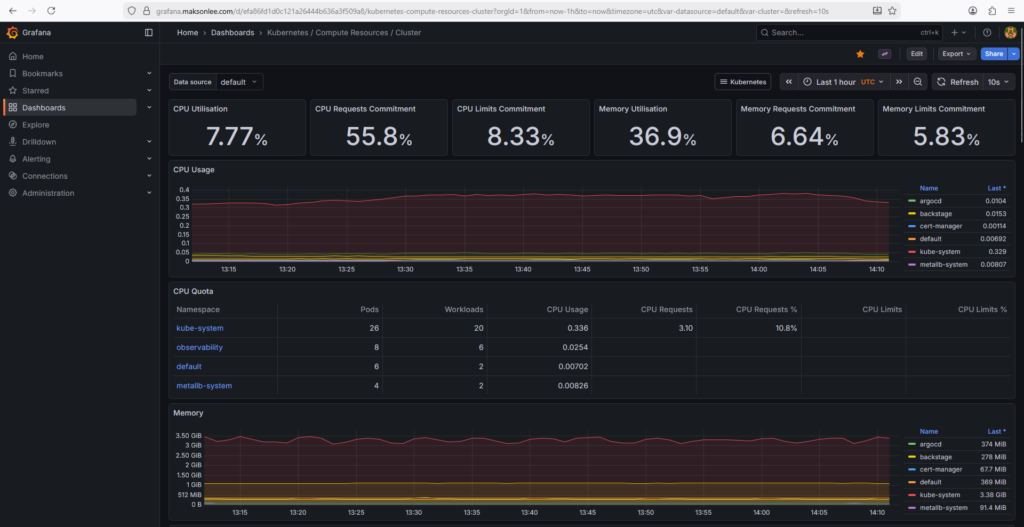
Grafana dashboard: Kubernetes / Compute Resources / Cluster
Grafana dashboard: Kubernetes / Compute Resources / Node (Pods)