

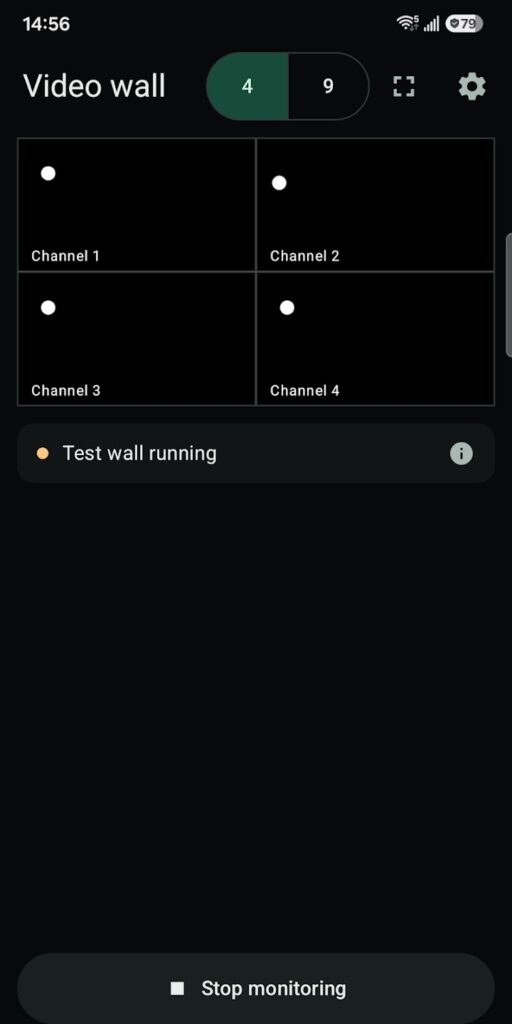
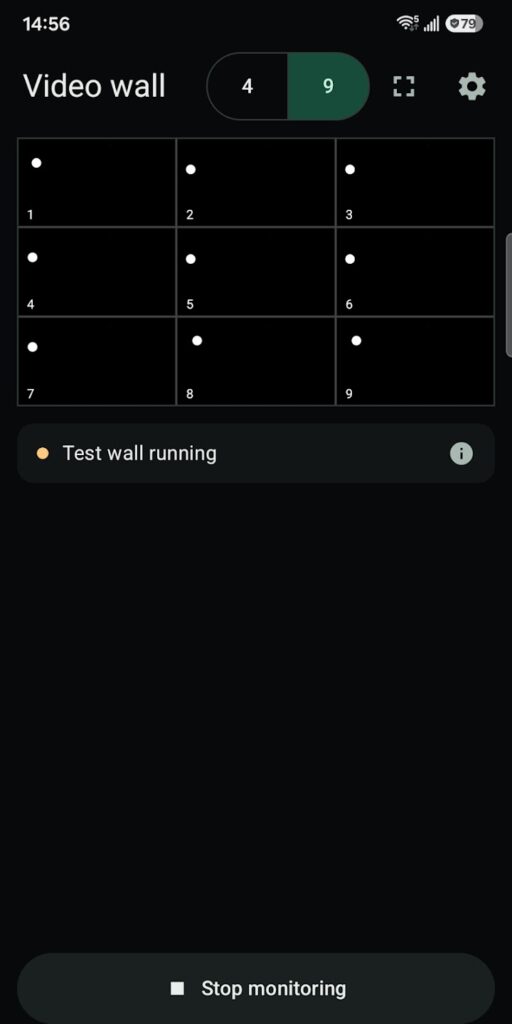
Tilemori shows live video from a compatible iCATCH DVR on your Android phone or tablet, as a 2×2 or 3×3 camera wall or one camera at a time.
Screenshots
Features
- Choose a 2×2 or 3×3 wall, page through detected channels, or tap a camera to view it on its own. Fullscreen works in both views.
- With automatic quality, the grid uses sub-streams and the single-camera view uses the main stream.
- Enter the DVR’s IP address or host name; the app checks it for a compatible iCATCH connection and detects the channels.
- Video travels directly from your DVR to your device.
- A built-in test wall lets you preview layouts without a DVR.
Requirements
- Android 8.0 or later
- A compatible iCATCH DVR with live H.264 or H.265 streams, a reachable DVR address, and any login the DVR requires
Permissions
These are the permissions in the current Google Play release (version 0.1.0-alpha.22) and what the app uses them for:
- Network access, network state, and local network: discover and connect to the DVR you choose.
- Google Play license check: added by Google Play to the installed app.
Privacy
There are no ads, analytics, cloud accounts, or developer-operated video servers. Settings stay on your device, and saved DVR usernames and passwords are encrypted and excluded from backup.
Read the full Tilemori Privacy Policy.
Known limitations
- HTTP connections don’t encrypt credentials or video. Use them only on a trusted local network.
What’s new in version 0.1.0-alpha.22
- Improved playback recovery and grid/focus transitions.
- Authentication failures now stop monitoring and retain the error until you explicitly start again.
- Updated the GStreamer media engine and improved decoder recovery.
Support
Email maksonlee@maksonlee.com with the app version, your phone model and Android version, and what happened. For privacy questions, see the Tilemori Privacy Policy.