

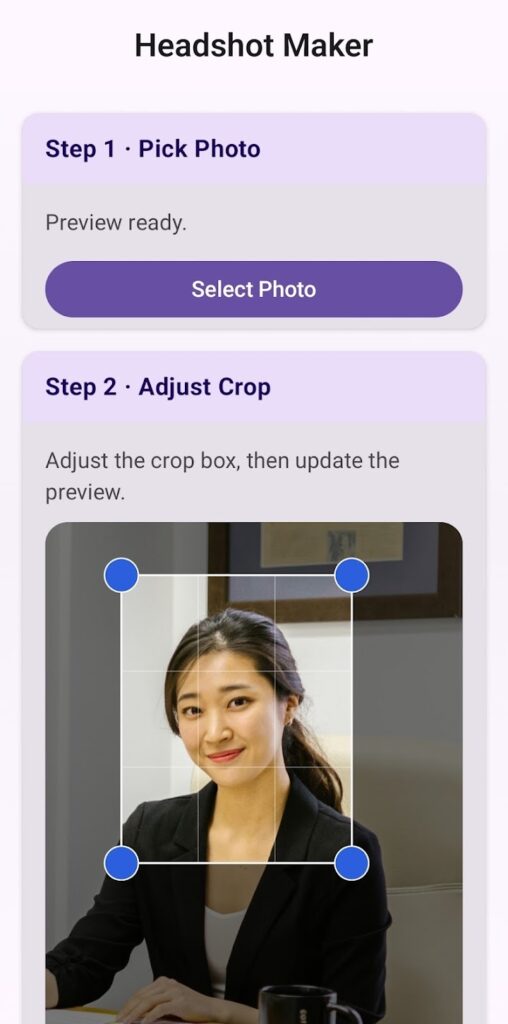
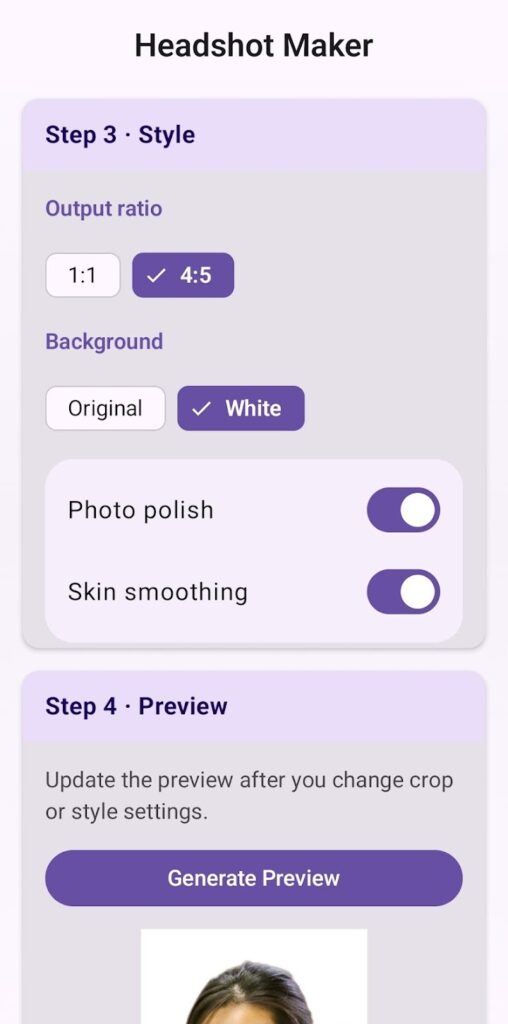
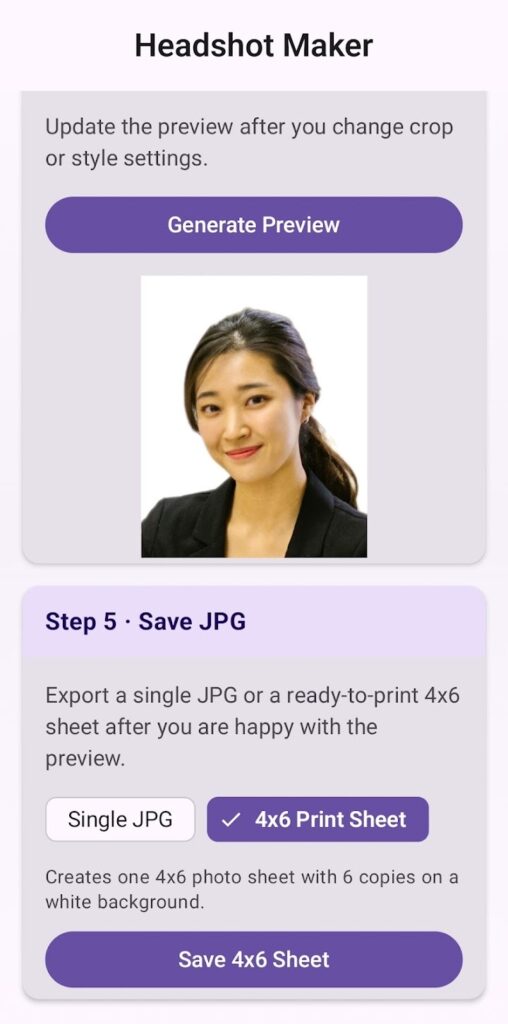
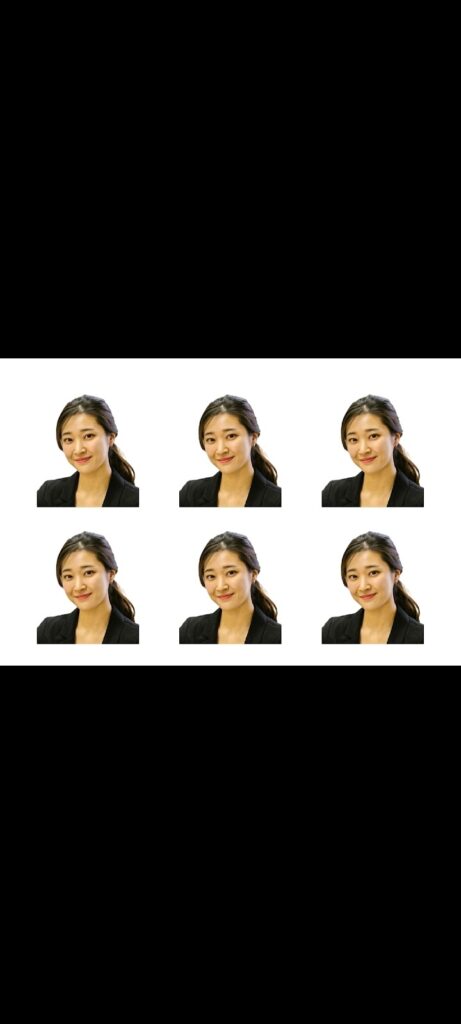
Headshot Maker turns your photos into clean, professional-looking headshots directly on your device. Pick a photo, adjust the crop, preview the result, and export a JPG or a 4×6 print sheet.
Screenshots
Features
- Pick a photo from your phone and adjust the crop for the framing you want.
- Background options, including the original background and a clean white background.
- Preview the result before saving.
- Optional AI detail enhancement with a model you download in the app (about 4.5 MB or 62 MB). The model runs on your phone.
- Export a high-quality JPG.
- Create a 4×6 print sheet with multiple copies on one page.
- Useful for profile photos, resumes, applications, and badges.
Requirements
- Android 7.0 or later
Permissions
These are the permissions in the current Google Play release (version 1.1.1) and what the app uses them for:
- Network access: download an optional AI detail model when you choose to, and let Google Play services deliver the on-device ML Kit model. Your photos are never uploaded.
- Foreground service, run at startup, and keep awake: declared by libraries the app includes, not by the app’s own code.
- Storage (Android 9 and earlier only): save exported images on the device.
- Google Play license check: added by Google Play to the installed app.
Privacy
All photo processing runs on your device. Your photos aren’t uploaded to the cloud or to the developer, and no account is needed. If you choose an AI detail model, the app downloads the model file; the request contains no photo.
Read the full Headshot Maker Privacy Policy.
What’s new in version 1.1.1
- A cleaner start screen: pick a photo from a simple welcome view.
- Editing steps use simpler cards, standard Material 3 buttons and chips, and a left-aligned title.
Support
Email maksonlee@maksonlee.com with the app version, your phone model and Android version, and what happened. For privacy questions, see the Headshot Maker Privacy Policy.