
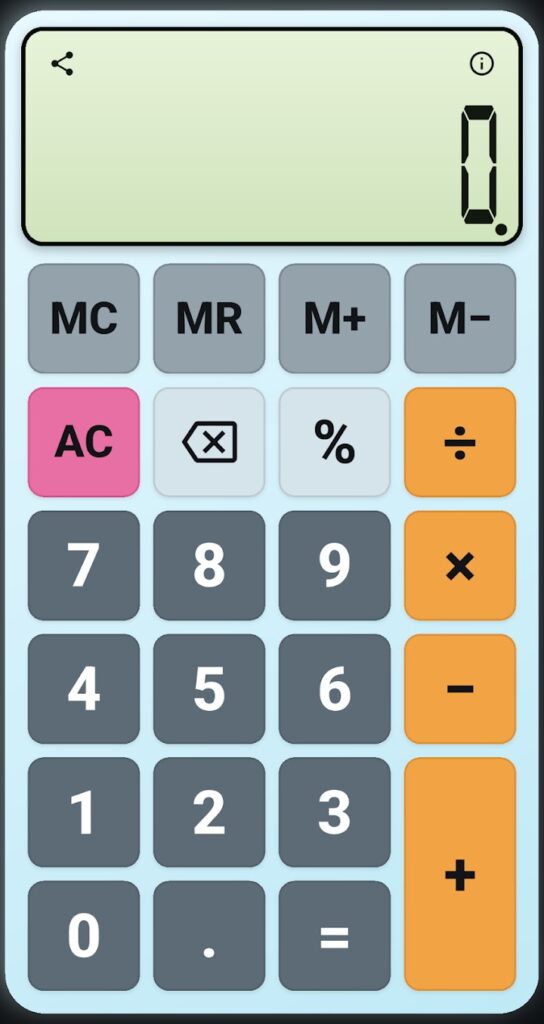
Classic Calculator is a simple, clean calculator for everyday math, with the essentials of a classic handheld calculator: arithmetic, decimals, percent, backspace, and memory keys, on a large display with a familiar button layout.
Screenshots
Features
- Addition, subtraction, multiplication, and division, with decimals and percent.
- Memory keys: clear, recall, add, and subtract.
- Backspace removes one key at a time.
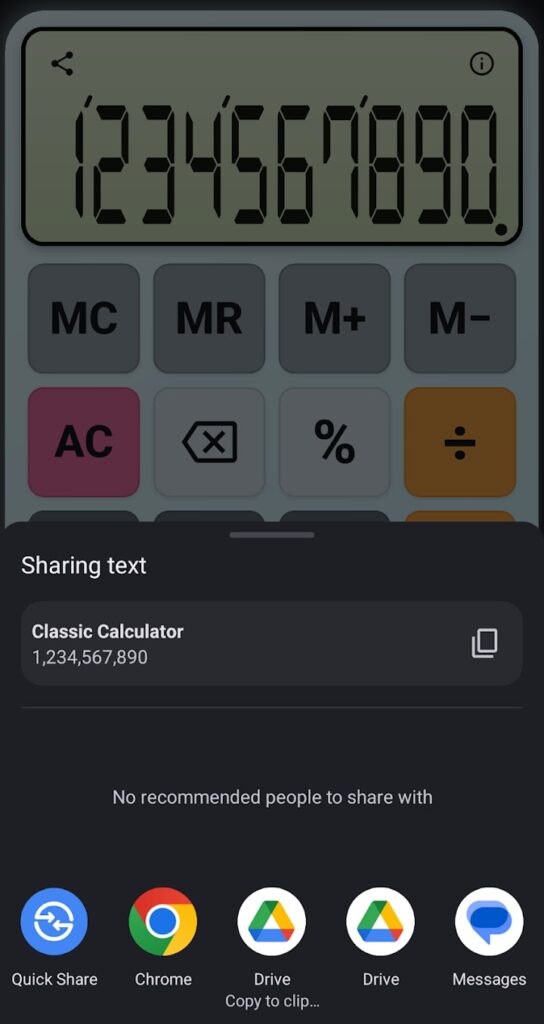
- Result sharing through the Android share sheet.
- A classic calculator-style display with a familiar button layout.
Requirements
- Android 7.0 or later
Permissions
These are the permissions in the current Google Play release (version 1.0.6) and what the app uses them for:
- Vibration: give haptic feedback when you press a key. It follows your system touch-feedback setting.
- Google Play license check: added by Google Play to the installed app.
Privacy
Calculations, results, and memory values are processed on your device. The app has no account and doesn’t send your input to the developer.
Read the full Classic Calculator Privacy Policy.
What’s new in version 1.0.6
- Backspace removes one key at a time and keeps the decimal point: 12.5, Backspace, 7 now gives 12.7.
- Deleting a whole second number returns to the pending operator instead of using 0.
- Very large results that overflow now show the correct leading digits.
- The pending operator key is clearly highlighted, and TalkBack reports it.
- Key vibration follows the system touch-feedback setting.
- Shared decimals include thousands separators, and tablets keep normal key proportions.
Support
Email maksonlee@maksonlee.com with the app version, your phone model and Android version, and what happened. For privacy questions, see the Classic Calculator Privacy Policy.