
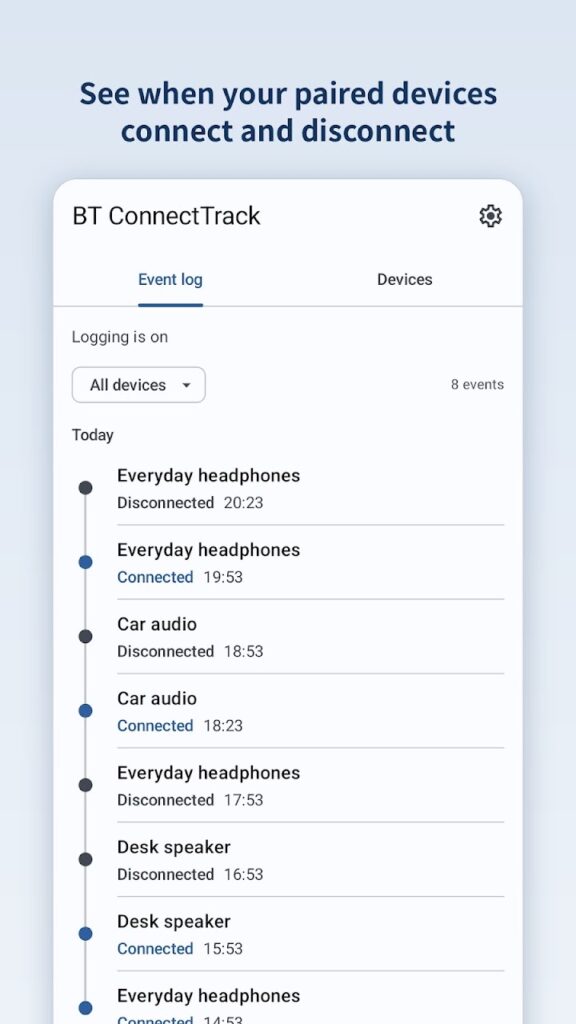
BT ConnectTrack records when your already-paired Bluetooth devices connect or disconnect, with timestamps and optional location. It listens to Android’s Bluetooth connection events and keeps a local history you can review by event or by device.
Screenshots
Features
- Background logging of connect and disconnect events for your paired devices.
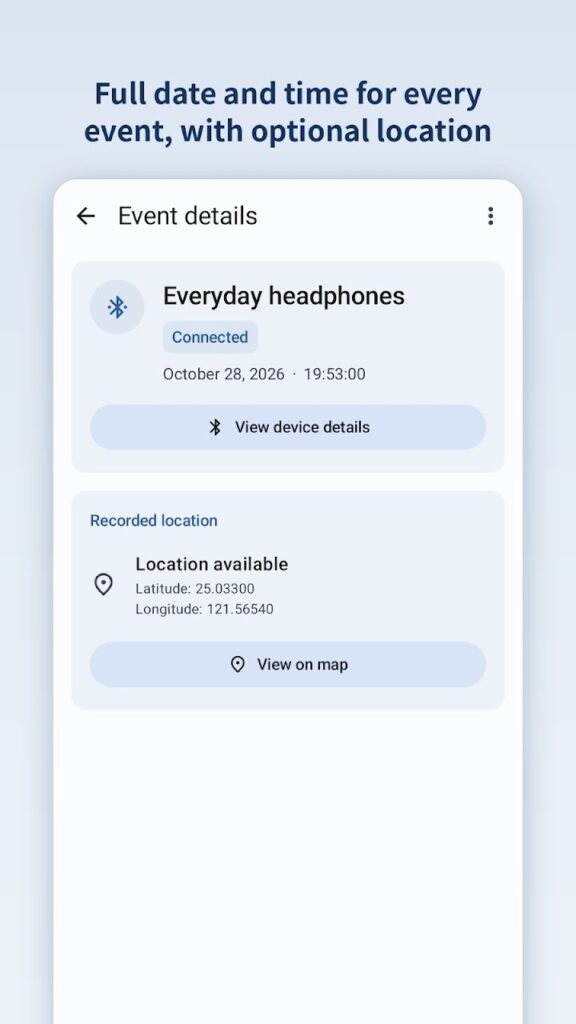
- Event log with device filtering and a detail page for each event: full timestamp and, optionally, the recorded location with a map shortcut.
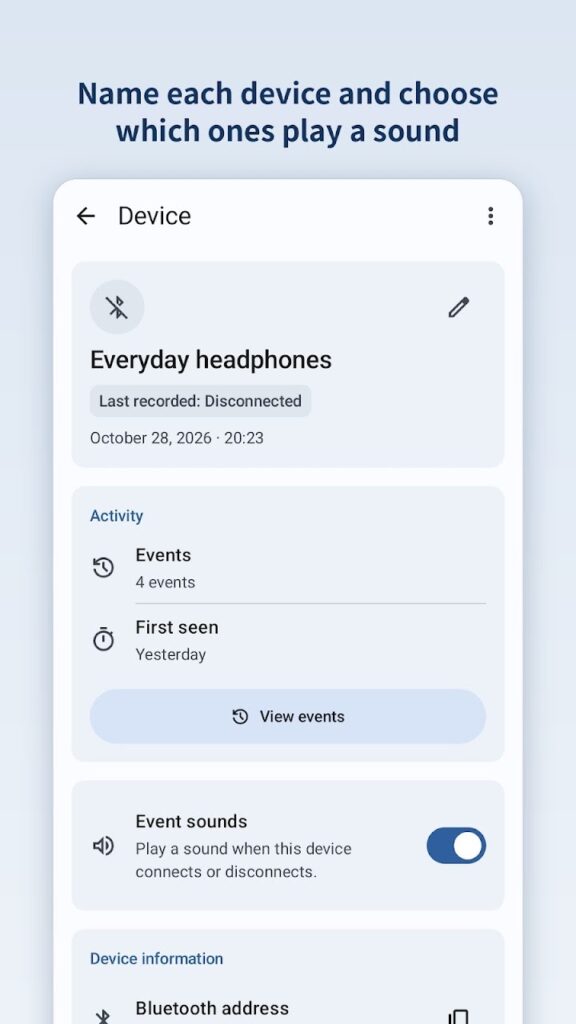
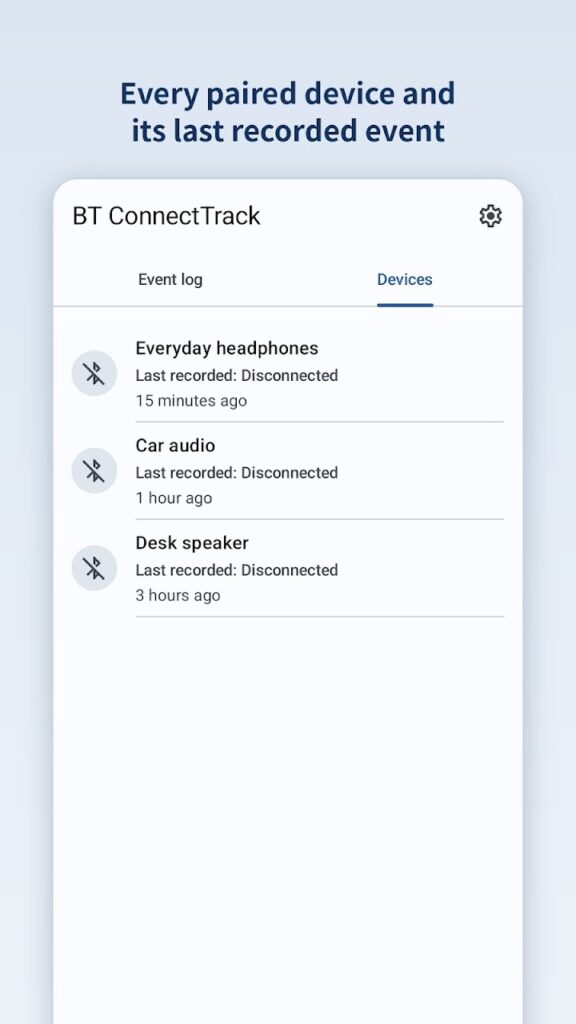
- Devices with editable display names and their own event history.
- Event sounds per device, with a master switch in Settings.
- Delete with Undo: swipe to delete, or delete from the details page.
- CSV export to the Downloads folder for backup or analysis.
- Guided Bluetooth and background setup, and light and dark themes.
Requirements
- Android 7.0 or later
- Devices that send Android’s system connect and disconnect events, such as headphones and headsets (A2DP or HFP), car audio systems, and classic speakers
Permissions
These are the permissions in the current Google Play release (version 2.4.17) and what the app uses them for:
- Nearby devices (Bluetooth): read your paired devices and receive their connect and disconnect events. Android 11 and earlier use the older Bluetooth permissions for the same purpose.
- Location (optional): add the location to an event when it’s recorded.
- Background location (optional): add a location to events recorded while the app isn’t open.
- Notifications: show the logging status notification.
- Foreground service: keep logging running in the background, with a visible notification.
- Run at startup: start logging again after the phone restarts.
- Battery optimization: ask you to allow unrestricted background use, so logging stays reliable.
- Storage (Android 9 and earlier only): save CSV exports to the Downloads folder.
Privacy
BT ConnectTrack has no internet access. Your device list, event history, and any recorded locations stay on your device, and there are no ads, analytics, or accounts.
Read the full BT ConnectTrack Privacy Policy.
Known limitations
- This isn’t a scanner or a “find my device” tool. It doesn’t start connections, pair devices, or keep a BLE session open to detect changes.
- Many BLE-only accessories, such as app-managed smart tags, AirTag-type accessories, and some fitness bands, don’t send the system events the app relies on, so they may not appear in the log.
- Some manufacturers’ battery optimizations can stop background logging. Complete the in-app setup and allow the app to run in the background.
- Behavior can vary by device, Android version, and manufacturer.
What’s new in version 2.4.17
Clearer wording: the app now simply calls it logging, and empty screens explain what logging keeps. While logging starts, you see “Starting logging…” instead of a retry notice. Device names use the full width, long titles wrap more evenly, coordinates show five decimal places, and Settings shows the app version. Also fixes a rare crash when logging was turned off just as it was starting in the background.
Support
Email maksonlee@maksonlee.com with the app version, your phone model and Android version, and what happened. For privacy questions, see the BT ConnectTrack Privacy Policy.