
This post deploys OpenObserve in standalone (single-node / local mode) on a bare-metal Kubernetes cluster using the official openobserve-standalone Helm chart, exposes the UI via Traefik Ingress, and stores all data on a Ceph RBD PVC (dynamic provisioning).
In standalone mode, OpenObserve runs with ZO_LOCAL_MODE=true and writes data to local disk. In Kubernetes, that “disk” should be backed by a PersistentVolumeClaim. This means you do not need Ceph RGW / S3, do not need CloudNativePG, and do not need the HA chart.
This post is based on
Lab context
Kubernetes (bare metal)
- Nodes:
k8s-1.maksonlee.com–192.168.0.99k8s-2.maksonlee.com–192.168.0.100k8s-3.maksonlee.com–192.168.0.101
- Ingress controller: Traefik (exposed via MetalLB)
- MetalLB IP (Ingress LB):
192.168.0.98 - DNS name for OpenObserve:
openobserve.maksonlee.com→192.168.0.98
Ceph RBD (dynamic PVC provisioning)
- StorageClass:
csi-rbd-sc - Recommended: set
csi-rbd-scas the default StorageClass
What you’ll do
- Add DNS record for
openobserve.maksonlee.com - Confirm Kubernetes has a working default StorageClass (
csi-rbd-sc) - Install OpenObserve standalone Helm chart
- Create a persistent PVC for local-mode storage (Ceph RBD)
- Expose OpenObserve UI via Traefik Ingress
- Verify the UI is reachable
- Ingest a test log with
curl - Import a dashboard (Linux hostmetrics) to demo charts
Prerequisites
- DNS
Add one record (LAN DNS or /etc/hosts on clients):
192.168.0.98 openobserve.maksonlee.com- Confirm your default StorageClass (Ceph RBD CSI)
OpenObserve standalone uses a PVC for durable local storage. Make sure your cluster can dynamically provision PVCs.
Check StorageClasses:
kubectl get storageclass
kubectl get storageclass -o jsonpath='{range .items[*]}{.metadata.name}{"\t"}{.metadata.annotations.storageclass\.kubernetes\.io/is-default-class}{"\n"}{end}'- Install OpenObserve Standalone (Helm)
- Add the Helm repo
helm repo add openobserve https://charts.openobserve.ai
helm repo update
helm search repo openobserveYou should see openobserve/openobserve-standalone.
- Create namespace
kubectl create ns openobserve- Create the values file
We’ll keep credentials and settings in a local values file. Don’t commit this file to Git.
Create values-o2-standalone.yaml:
auth:
  ZO_ROOT_USER_EMAIL: "root@maksonlee.com"
  ZO_ROOT_USER_PASSWORD: "CHANGE_ME_STRONG"
  ZO_ROOT_USER_TOKEN: ""

config:
  # Standalone / local mode
  ZO_LOCAL_MODE: "true"
  # Store data on local disk (backed by a PVC below)
  ZO_LOCAL_MODE_STORAGE: "disk"

# Persist local-mode data to Ceph RBD
persistence:
  enabled: true
  storageClass: "csi-rbd-sc"
  size: 50Gi

service:
  type: ClusterIP

ingress:
  enabled: true
  className: "traefik"
  annotations: {}
  hosts:
    - host: openobserve.maksonlee.com
      paths:
        - path: /
          pathType: ImplementationSpecific
tls: []TLS note
- If Traefik already serves a wildcard certificate for
*.maksonlee.comas its default TLS cert, leavingtls: []is fine. - If you require per-Ingress TLS configuration, add a
secretNameand configure Traefik accordingly.
- Install
helm -n openobserve install o2 openobserve/openobserve-standalone \
-f values-o2-standalone.yaml- Verify
Pods
kubectl -n openobserve get pods -o wideYou want the OpenObserve pod in Running.
PVC
kubectl -n openobserve get pvc
kubectl -n openobserve describe pvcYou want PVC status Bound.
Ingress
kubectl -n openobserve get ingress
kubectl -n openobserve describe ingressYou should see the host openobserve.maksonlee.com.
UI
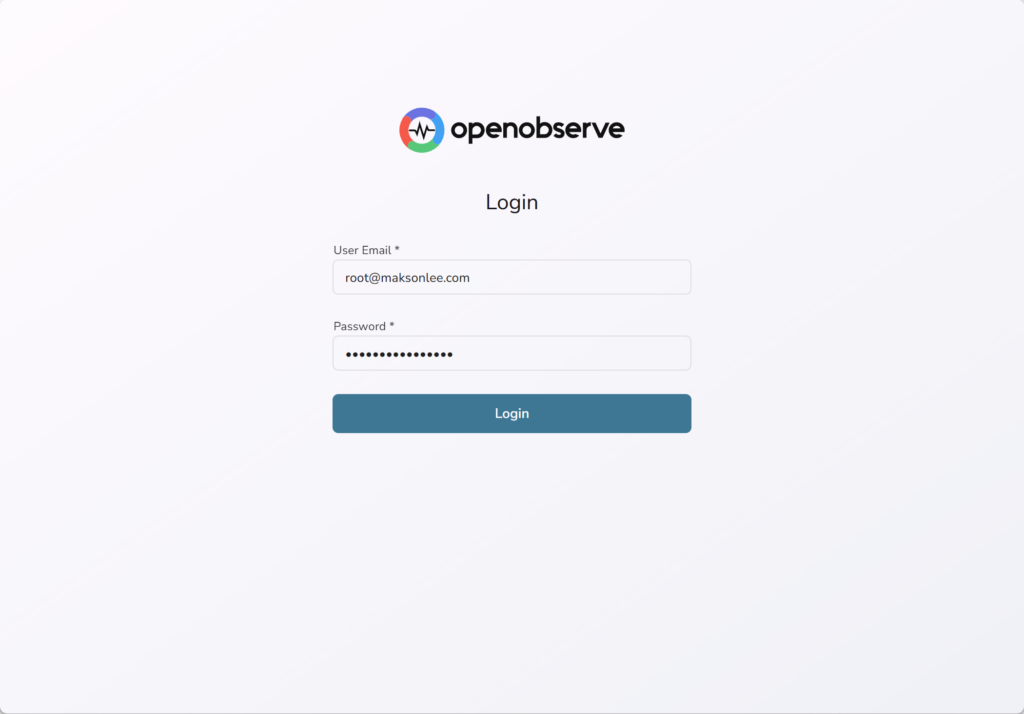
Open https://openobserve.maksonlee.com/web/,
Log in with:
- Email:
root@maksonlee.com - Password:
CHANGE_ME_STRONG
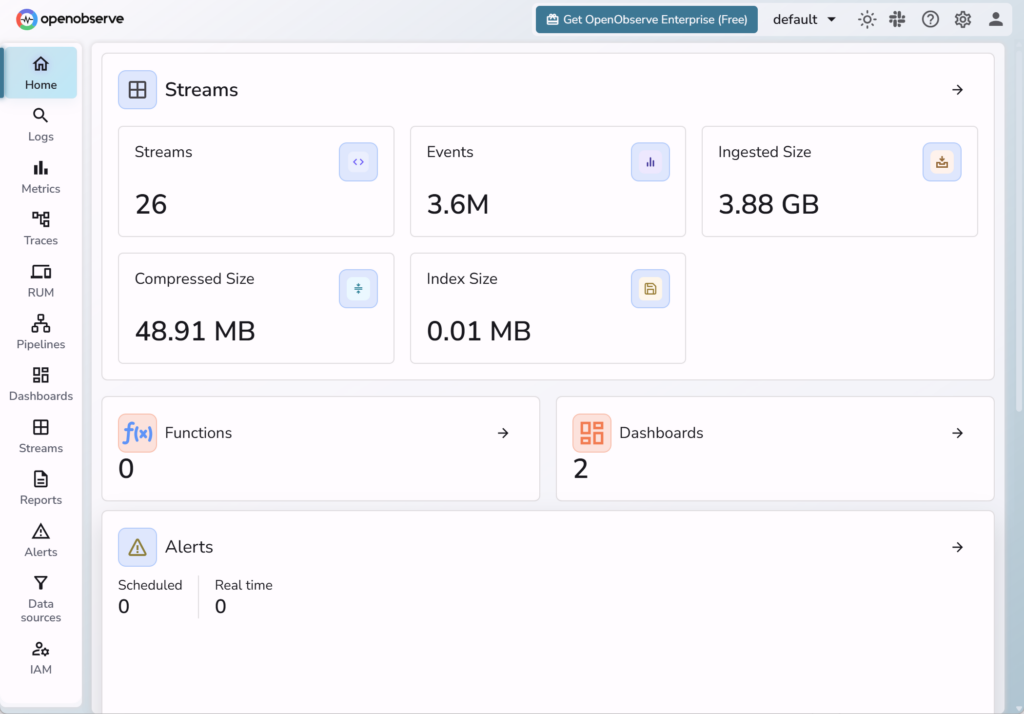
It’s normal to see “No Data Ingested” until you send logs/metrics.
Did this guide save you time?
Support this site