

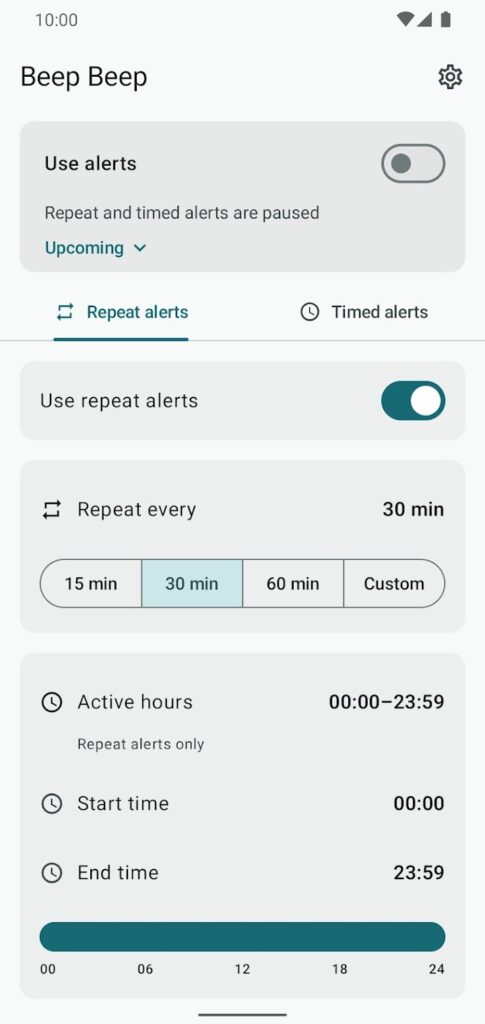
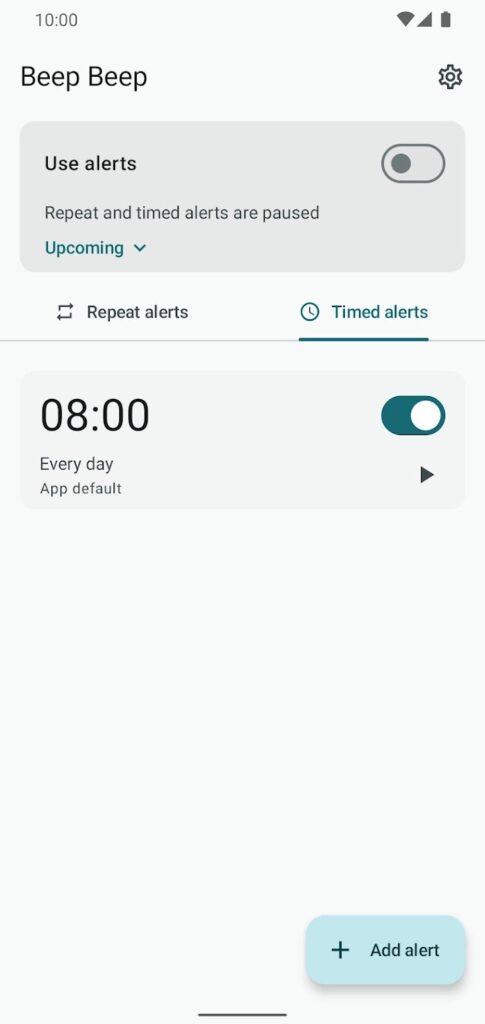
Beep Beep plays a short sound on a schedule you set: repeat alerts every 1 to 60 minutes during your active hours, and timed alerts at specific times and weekdays. It’s a gentle nudge for posture checks, hydration, screen breaks, or any routine you want to keep moving.
Screenshots
Features
- Repeat alerts: choose an interval from 1 to 60 minutes and a daily active window. Beep Beep plays its sound only during the hours you set.
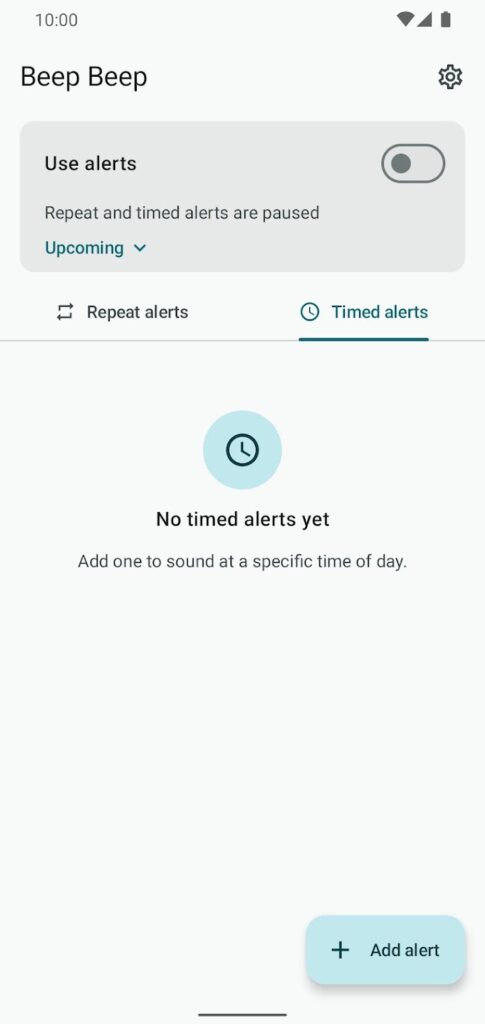
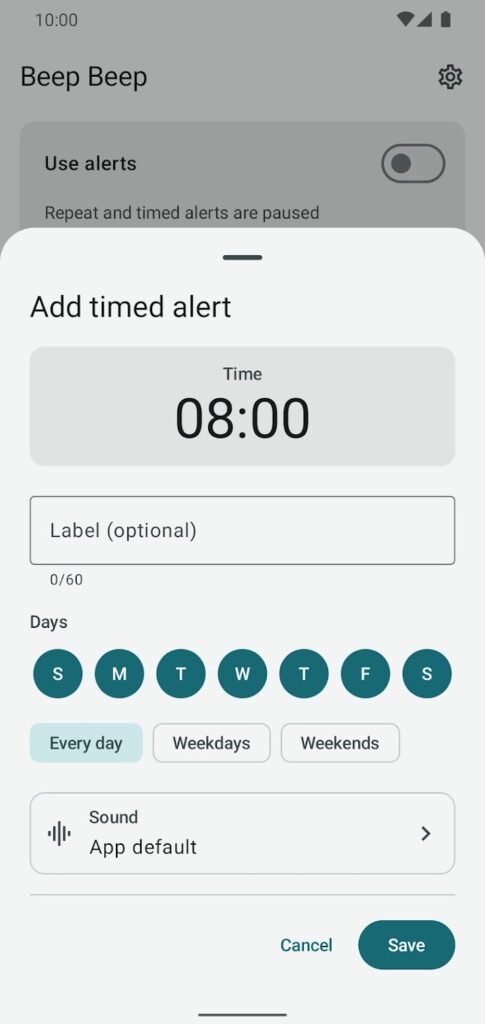
- Timed alerts: add alerts for specific times and weekdays.
- Sounds: use the Beep Beep sound, your system notification or alarm sound, or a sound of your own. Record a short clip or choose an audio file from your phone, and preview it before saving.
- Clear overview: see the next upcoming alert at a glance, edit schedules at any time, and undo an accidental deletion.
- Backup: export timed alerts and custom sounds to a backup file, then import them on another device.
- Accessible layouts for small screens, landscape, larger text, dark mode, and right-to-left languages.
Requirements
- Android 8.0 or later
Permissions
These are the permissions in the current Google Play release (version 2.9.0) and what the app uses them for:
- Microphone: requested only when you record a custom sound. Choosing an audio file needs no extra permission.
- Alarms and reminders: play alerts at the exact times you set.
- Notifications: show alert and playback status.
- Run at startup: set your alerts again after the phone restarts.
- Foreground service and keep awake: let a sound play to the end while the screen is off.
- Battery optimization: ask you to allow unrestricted battery use, which makes background alerts more reliable.
Privacy
Beep Beep has no internet access. Your schedules, settings, and custom sounds stay in the app’s private storage, and there are no ads, analytics, or accounts.
Read the full Beep Beep Privacy Policy.
Known limitations
- Android may ask you to allow exact alarms so alerts can run on time.
- Battery restrictions from Android or your phone’s manufacturer can delay background alerts. Allowing unrestricted battery use helps.
- A chosen audio file can be up to 1 MB, and only its first 10 seconds play.
What’s new in version 2.9.0
Custom sounds can now come from an audio file on your phone as well as a recording. In the sound sheet, choose Custom sound, then Record or Choose file. Beep Beep keeps its own copy of the file, so moving or deleting the original does not affect your alert. Files can be up to 1 MB, and only the first 10 seconds play. Choosing a file needs no extra permission.
Support
Email maksonlee@maksonlee.com with the app version, your phone model and Android version, and what happened. For privacy questions, see the Beep Beep Privacy Policy.